
vSphere 7.0 has been released and as known from previous versions, VMware provides a free version of their Hypervisor ESXi for everyone again. The license key can be created for free at VMware’s website. It has no expiration date. The binaries you will receive as „Free Hypervisor” are 100% identical to the paid version but with some software limitations.
Tech Specs and Limitations
- No commercial support (Community support)
- Free ESXi cannot be added to a vCenter Server
- Some API functionality is missing (API is read-only)
- No physical CPU limitation
- Number of logical CPUs per host: 480
- Maximum vCPUs per virtual machine: 8
- The Key is restricted to 100 Physical Servers deployments.
Other limitations like the 32GB Memory or 2 CPU Socket limit are no longer in place.
If you already obtained a free key for previous versions for ESXi, this key is not valid for vSphere 7.0, but you can use the same MyVMware Account to generate a new key.
- Go to VMware vSphere Hypervisor (ESXi) 7.0 Download Center
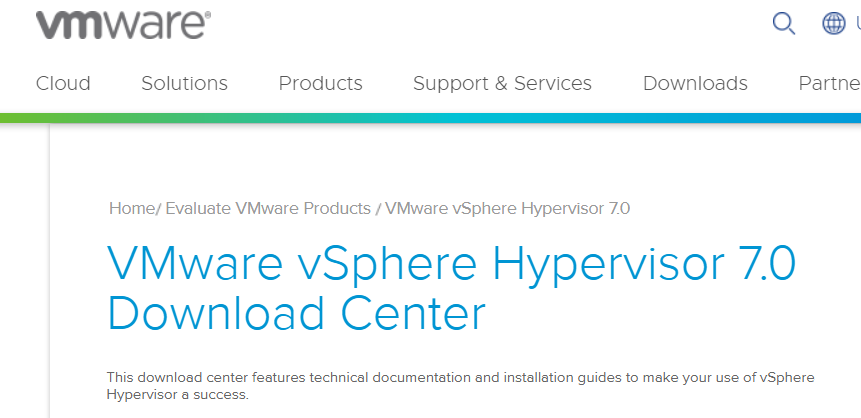
- Login or create an account

- Click Register
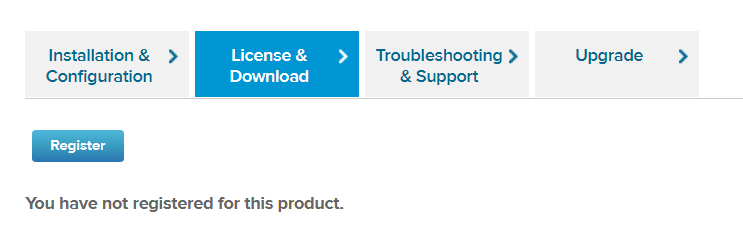
- Register for ESXi (Enter some personal information)
After registration, you will receive a unique license key and access to the binaries. - Download VMware vSphere Hypervisor 7.0 – Binaries
- Install ESXi to your Hardware (Create a Bootable ESXi Installer USB Flash Drive)
- Login as root with the Embedded Host Client (https://<ESX>/ui/)
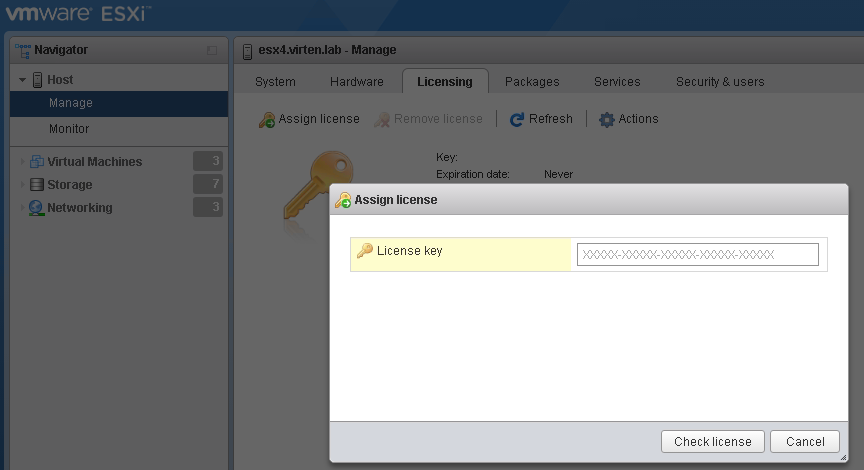
- Navigate to Manage -> Licensing
- Click Assign license and enter your license key
Sometimes, there is an issue with the license assignment for ESXi 7.0 keys. When the registration process is finished, the following error message is displayed: